Introduction
WordPress powers millions of websites worldwide, from small business websites and blogs to large eCommerce stores. Its popularity, flexibility, and extensive plugin ecosystem also make it an attractive target for automated attacks.
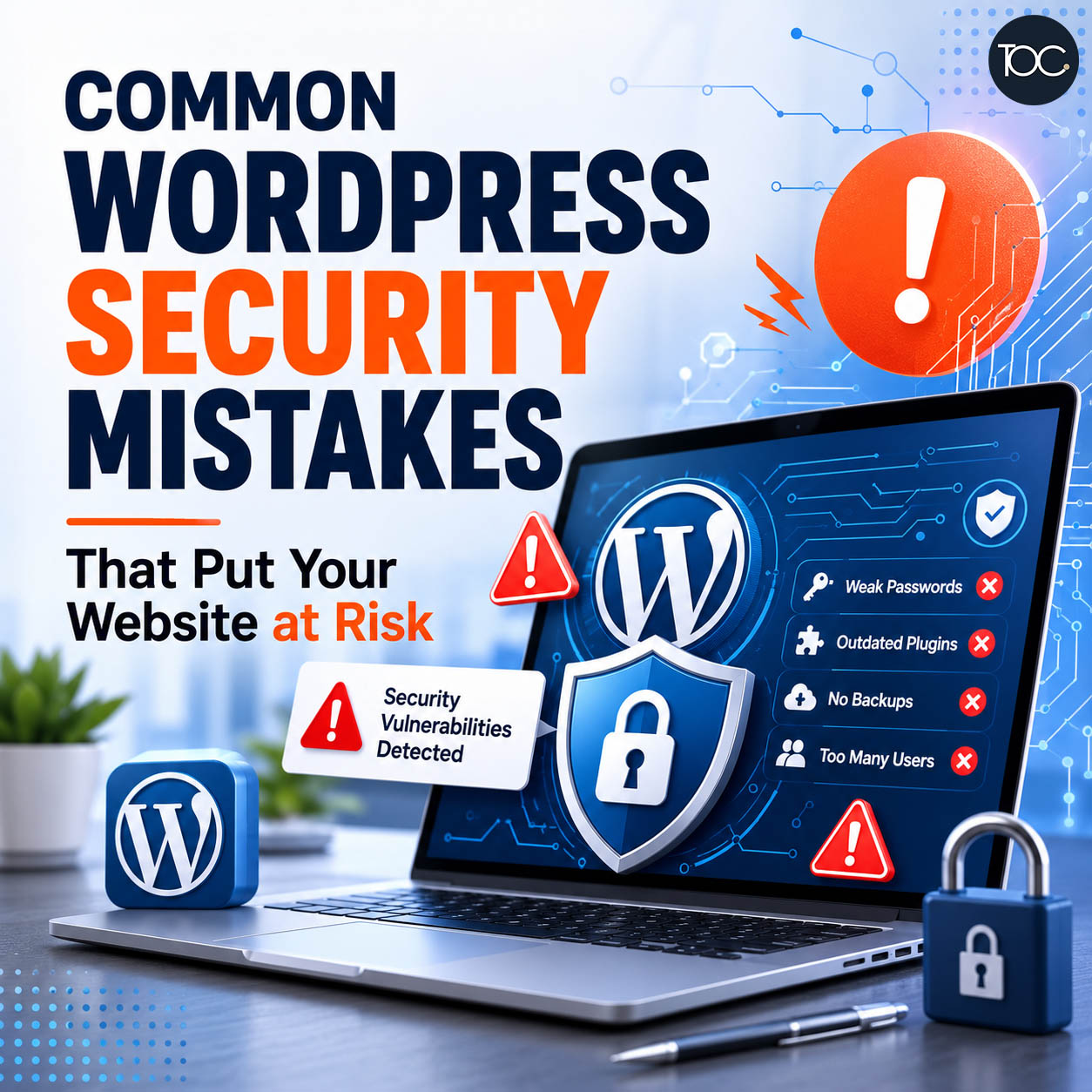
However, many WordPress security problems don’t happen because WordPress itself is inherently insecure. They often happen because of common WordPress security mistakes such as outdated plugins, weak passwords, poor user management, or websites that are simply left unmaintained.
For business owners, a compromised website can result in downtime, spam pages, malicious redirects, stolen data, damaged search rankings, and potentially expensive recovery work.
The good news is that many of these risks can be reduced with proper WordPress maintenance and basic security practices.
Here are some of the most common WordPress security mistakes website owners should avoid.
Table of Content
1. Not Updating WordPress Regularly
One of the biggest WordPress security mistakes is ignoring updates.
WordPress websites typically consist of several components:
- WordPress core
- Theme
- Plugins
- PHP
- Third-party integrations
Developers regularly release updates to fix bugs, improve compatibility, add features, and patch security vulnerabilities.
When a vulnerability becomes publicly known, attackers can create automated bots that scan the internet looking for websites still running the affected software.
Leaving your website outdated for months can therefore increase unnecessary security risks.
Should You Update Everything Immediately?
Keeping WordPress updated is important, but blindly clicking “Update All” isn’t always the best approach for business-critical websites.
Plugin or theme updates can occasionally introduce compatibility problems.
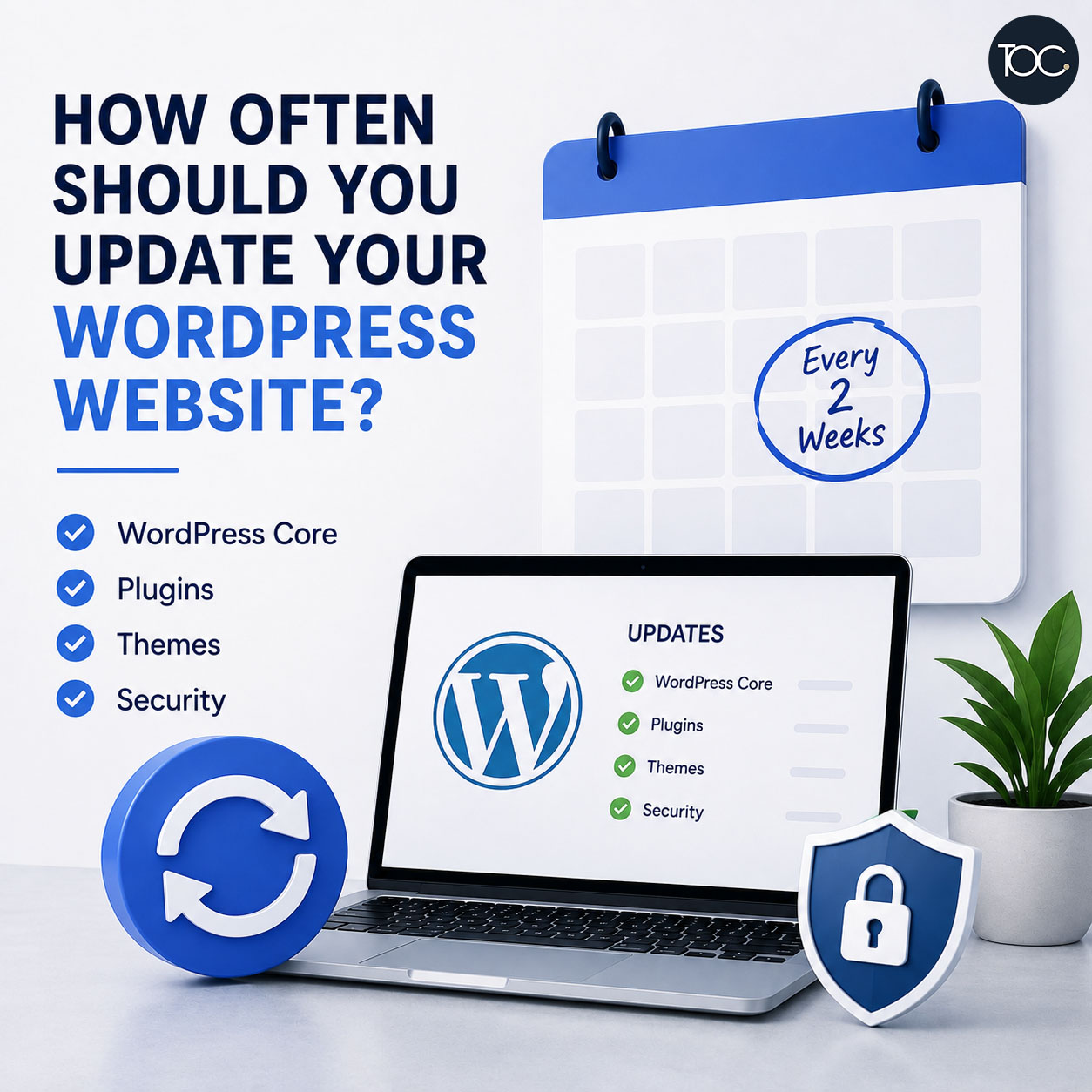
A safer maintenance process includes:
- Creating a backup.
- Checking available updates.
- Updating WordPress, plugins, and themes.
- Testing important website functions.
- Checking the frontend for layout problems.
Updates should be part of an ongoing website maintenance process rather than something you only do when a problem appears.
2. Using Weak Passwords
Weak passwords remain one of the simplest ways for attackers to gain access to online accounts.
Passwords such as:
- company123
- admin123
- password2026
or combinations based on company names, birthdays, and phone numbers are much easier to guess or obtain through credential-based attacks.
Instead, WordPress administrator accounts should use long, unique passwords containing a mixture of characters.
More importantly, don’t reuse the same password across multiple services.
If your email, hosting account, WordPress login, and other business services all use the same password, one compromised account can potentially expose several systems.
Using a reputable password manager makes unique passwords much easier to manage.
3. Not Enabling Two-Factor Authentication
A strong password is important, but two-factor authentication (2FA) provides another layer of protection.
With 2FA enabled, logging into WordPress requires something additional beyond the password, usually a temporary authentication code.
This means that even if someone obtains your WordPress password, they may still be unable to access the account without the second authentication factor.
For websites with multiple administrators or access to sensitive business functions, 2FA should be strongly considered.
4. Giving Everyone Administrator Access
Not every WordPress user needs administrator privileges.
WordPress includes several user roles with different permissions, including:
- Administrator
- Editor
- Author
- Contributor
- Subscriber
An administrator has extensive control over the website, including the ability to install plugins, change settings, manage users, and modify website functionality.
Giving administrator access unnecessarily increases risk.
For example, someone who only needs to update pages and blog posts may only require an Editor account.
Apply the principle of least privilege: give each user only the permissions required to perform their work.
5. Keeping Old User Accounts
Over time, WordPress websites often accumulate user accounts belonging to:
- Former employees
- Previous web developers
- Freelancers
- Marketing agencies
- Temporary staff
- Old administrators
These forgotten accounts can become unnecessary security risks.
Review your WordPress users periodically and remove accounts that are no longer required.
If someone only needs temporary access, remove or downgrade the account once the work has been completed.
6. Installing Too Many Plugins
Plugins are one of WordPress’s greatest strengths.
They allow website owners to add contact forms, SEO tools, security features, eCommerce functionality, backups, analytics, and thousands of other features.
But installing plugins without careful consideration can create problems.
Every additional plugin introduces more:
- Code
- Updates
- Compatibility dependencies
- Maintenance requirements
- Potential vulnerabilities
This doesn’t mean that having many plugins automatically makes your website insecure.
The quality and maintenance of those plugins matter much more than the number alone.
Before installing a plugin, ask:
- Do I actually need this?
- Is it actively maintained?
- Is it compatible with my WordPress version?
- Does it come from a reputable developer?
- When was it last updated?
If a plugin is no longer required, consider removing it rather than simply deactivating it indefinitely.
7. Using Abandoned or Outdated Plugins
An outdated plugin isn’t necessarily dangerous simply because it hasn’t been updated recently.
However, plugins that have been abandoned by their developers can become a security concern, particularly if vulnerabilities are discovered and never patched.
Check your plugins periodically.
Look for warning signs such as:
- No updates for a very long period
- Compatibility problems
- Developer abandonment
- Known vulnerabilities
- Removal from the official WordPress plugin directory
If an important plugin is no longer properly maintained, consider replacing it with an actively supported alternative.
8. Using Pirated or “Nulled” WordPress Themes and Plugins
Premium WordPress themes and plugins cost money for a reason.
“Nulled” versions distributed through unofficial websites may have been modified and can potentially contain malicious code, hidden backdoors, spam links, or other unwanted modifications.
The savings are rarely worth the risk.
Download WordPress software only from trusted sources such as:
- WordPress.org
- Official developer websites
- Established marketplaces
Legitimate licences also provide access to important security updates and developer support.
9. Not Having Reliable Website Backups
A backup isn’t technically a security feature that prevents attacks.
However, it can become extremely important when something goes wrong.
Imagine discovering that your website has been compromised.
You clean the infected files—but then realise you don’t know when the compromise happened.
If you only have yesterday’s backup and the malicious code was inserted two weeks ago, restoring that backup may simply restore the problem.
A good backup strategy should therefore consider:
- Backup frequency
- How many backups are retained
- Where backups are stored
- Whether database and files are both backed up
- Whether backups can actually be restored
Keeping backups outside the same website server can also provide additional protection.
Most importantly, a backup is only useful if it works when you need it.
10. Assuming Your Hosting Provider Handles Everything
Managed hosting can provide valuable security features such as:
- Server monitoring
- Firewalls
- Malware detection
- Automatic backups
- PHP updates
- SSL certificates
However, hosting security doesn’t remove the need to maintain WordPress itself.
Your hosting company may secure the server while your website still contains:
- Outdated plugins
- Weak administrator passwords
- Old user accounts
- Vulnerable themes
- Poorly configured permissions
Website security involves several layers.
Hosting is one of them—not the entire solution.
11. Not Using HTTPS
HTTPS encrypts communication between your website and its visitors.
Without HTTPS, information transmitted between a user’s browser and your website may not be properly protected.
Most modern hosting providers offer SSL certificates, and browsers now expect legitimate websites to use HTTPS.
Your entire website should load consistently through HTTPS, including:
- Pages
- Images
- Scripts
- Forms
- Checkout pages
You should also ensure HTTP versions correctly redirect to HTTPS.
12. Ignoring WordPress Login Security
WordPress login pages are frequently targeted by automated bots attempting different username and password combinations.
You may see repeated login attempts from IP addresses located around the world even if your business only operates locally.
This doesn’t automatically mean someone is specifically targeting your company.
Much of this activity is automated.
Nevertheless, you can strengthen login security through measures such as:
- Strong passwords
- Two-factor authentication
- Login attempt protection
- Security monitoring
- Removing unused accounts
The objective isn’t necessarily to stop every bot from reaching your website. It’s to make unauthorised access significantly more difficult.
13. Ignoring XML-RPC When You Don’t Need It
WordPress includes a feature called xmlrpc.php that allows external applications and services to communicate with WordPress.
Some websites and services legitimately require it.
Others don’t.
Attackers and automated bots may attempt to abuse XML-RPC for activities such as repeated authentication attempts.
If your website doesn’t require XML-RPC functionality, you can consider restricting or disabling it.
However, don’t disable it blindly because certain services or integrations may depend on it.
Always check your website configuration first.
14. Relying Only on a Security Plugin
Installing a security plugin can improve WordPress security, but it doesn’t make a website invulnerable.
Security plugins may provide features such as:
- Firewall protection
- Malware scanning
- Login protection
- File change monitoring
- Security alerts
- IP blocking
These are valuable tools.
But a security plugin cannot compensate for every bad practice.
For example, if you’re using weak passwords, abandoned plugins, unnecessary administrator accounts, and outdated WordPress software, installing one security plugin doesn’t magically remove all those risks.
WordPress security works best as a layered approach.
15. Ignoring Security Alerts
Website owners sometimes install security software and then ignore the notifications it generates.
This defeats much of the purpose.
Security alerts may identify:
- Unexpected administrator logins
- Plugin vulnerabilities
- Modified files
- Malware
- Failed login attempts
- Suspicious activity
Not every alert means your website has been hacked.
However, unusual activity should be investigated rather than automatically dismissed.
The earlier a genuine problem is identified, the easier it may be to contain.
16. Not Monitoring Website Changes
A compromised website doesn’t always immediately stop working.
Sometimes the website continues looking completely normal.
Attackers may inject:
- Spam links
- Hidden pages
- Malicious JavaScript
- Redirect scripts
- Unwanted administrator accounts
- SEO spam
Business owners may only notice the problem weeks later when customers complain or Google starts displaying unusual pages.
Regular website monitoring and maintenance can help identify unexpected changes earlier.
17. Forgetting About Website Forms
Contact forms, enquiry forms, registration forms, and login forms can all attract automated spam and abuse.
Depending on the website, appropriate protection may include:
- CAPTCHA or similar anti-spam measures
- Form validation
- Spam filtering
- Rate limiting
- Security monitoring
Forms should also be tested regularly.
A contact form that silently stops sending enquiries isn’t necessarily a security breach—but it can still cost your business valuable leads.
18. Assuming Small Websites Won’t Be Targeted
One common misconception is:
“Why would anyone hack my small business website?”
The reality is that attackers don’t always manually choose individual websites.
Automated bots can scan enormous numbers of websites looking for known vulnerabilities, weak passwords, exposed services, and outdated software.
Your company doesn’t need to be famous to become a target.
The attacker may simply be looking for websites that are easy to compromise.
19. Only Thinking About Security After Something Goes Wrong
Many businesses don’t think about WordPress security until:
- Their website is hacked
- Customers are redirected elsewhere
- Google displays a security warning
- Spam pages appear in search results
- Their hosting provider suspends the website
- They lose access to WordPress
At that point, recovery may require considerably more time and expense than preventative maintenance would have required.
Website security should therefore be treated as an ongoing process rather than an emergency service.
20. What Should You Do If Your WordPress Website Is Hacked?
If you suspect your WordPress website has been compromised, avoid randomly deleting files without understanding what happened.
A proper investigation may include:
- Putting the website into a controlled state if necessary.
- Creating a backup of the compromised website for investigation.
- Scanning website files and the database.
- Checking WordPress administrator accounts.
- Identifying suspicious file changes.
- Reviewing plugins and themes.
- Removing malicious code.
- Updating vulnerable software.
- Changing relevant passwords.
- Reviewing hosting and server access.
- Checking whether search engines have indexed spam pages.
- Monitoring the website after cleanup.
Simply removing the visible malicious script may not solve the underlying problem.
You also need to determine how the attacker gained access and close that entry point.
Otherwise, the website could be compromised again.
21. A Simple WordPress Security Checklist
Business owners don’t need to become cybersecurity experts, but these basic practices can significantly improve website security:
- Keep WordPress updated.
- Keep plugins and themes updated.
- Remove unused plugins and themes.
- Use strong, unique passwords.
- Enable two-factor authentication where appropriate.
- Limit administrator accounts.
- Remove old users.
- Use plugins from trusted developers.
- Maintain reliable off-site backups.
- Use HTTPS.
- Monitor security alerts.
- Check the website regularly.
- Keep PHP and hosting environments supported and updated.
- Review suspicious activity.
- Maintain the website continuously.
22. Is WordPress Secure?
Yes, WordPress can be a secure platform when properly configured and maintained.
The problem is that a WordPress website isn’t a static product.
It changes over time.
WordPress releases updates. Plugins change. Themes change. PHP versions change. New vulnerabilities are discovered. Employees leave. New users are added. Website functionality evolves.
That’s why website security isn’t something you configure once and forget.
It requires ongoing attention.
23. Does WordPress Maintenance Improve Security?
Absolutely.
Regular maintenance helps identify and address potential problems before they become more serious.
A proper WordPress maintenance routine can include:
- WordPress core updates
- Plugin updates
- Theme updates
- Security monitoring
- Backup management
- Database maintenance
- Broken link checks
- Website functionality testing
- Performance monitoring
- Troubleshooting
Maintenance cannot guarantee that a website will never be attacked.
No responsible provider should make that promise.
However, keeping your website properly maintained can significantly reduce avoidable risks and make it easier to recover when problems occur.
24. Final Thoughts
Most WordPress security mistakes are surprisingly preventable.
Weak passwords, outdated plugins, excessive administrator access, missing backups, and neglected maintenance may seem harmless when everything is working normally.
Unfortunately, these weaknesses often become visible only after something goes wrong.
The best approach is preventative.
Keep your website updated, minimise unnecessary access, use strong authentication, maintain reliable backups, monitor unusual activity, and treat WordPress maintenance as an ongoing part of running your business website.
A secure website isn’t simply about installing a security plugin.
It’s about maintaining the entire website properly.
25. Frequently Asked Questions
25. Frequently Asked Questions
26. Worried About Your WordPress Website Security?
At THEOLDCOMPANY, our WordPress maintenance service helps businesses keep their websites updated, monitored, optimised, and properly maintained.
From WordPress and plugin updates to security monitoring, backups, troubleshooting, database maintenance, and performance optimisation, we help reduce the risks associated with leaving a business website unattended.
Need help maintaining your WordPress website? 📩 Contact us today to discuss your website maintenance requirements.